
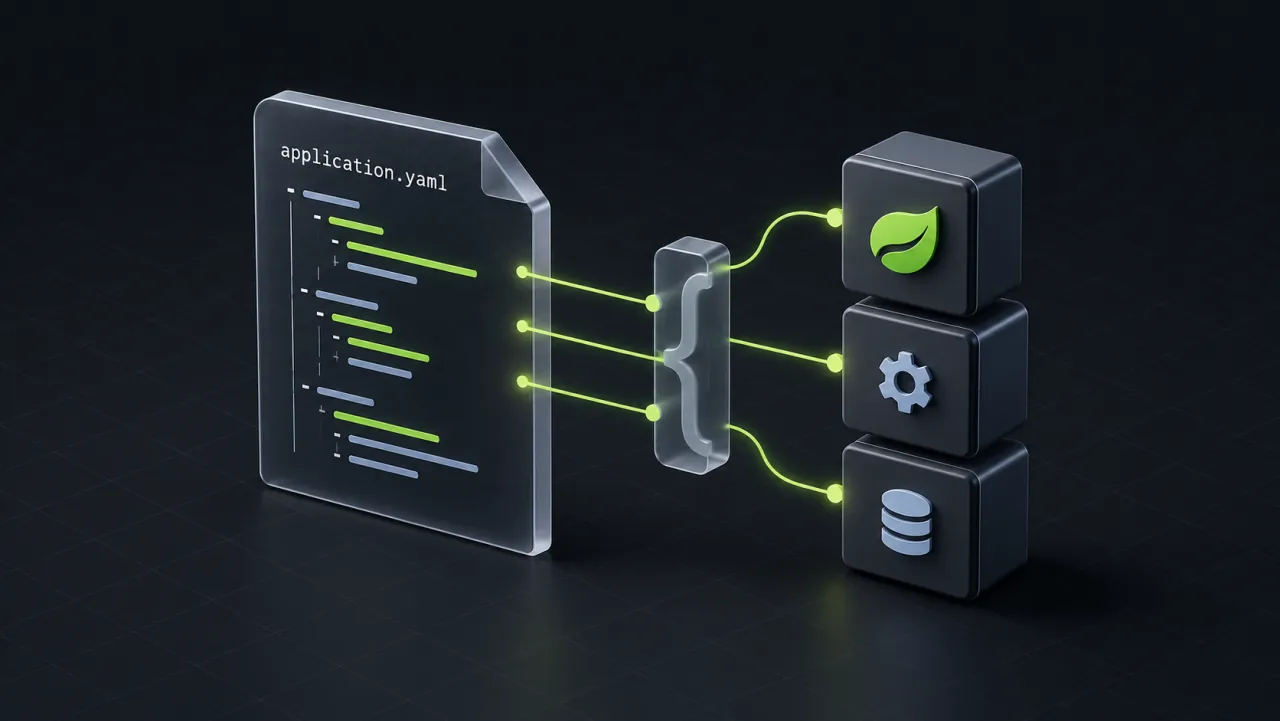
An application that sends notification emails needs a sender address and a subject. Keeping these values in configuration makes them easy to find and change for each environment.
In Spring Boot, that involves three pieces:
- an
application.yamlfile - a Java type that holds its values
- a bean that uses them.
Here, a bean means an object managed by Spring. YAML supplies the configuration; Spring registers and creates the objects through the Java configuration below. This example creates a reusable email template.
Start with the values
Start with the email settings in src/main/resources/application.yaml:
notification-email:
  sender-address: [email protected]
  subject: "A new article is ready to read"
Next, give those settings a Java type. This example uses Java 21 and Spring Boot 3.5 with spring-boot-starter-mail:
import org.springframework.boot.context.properties.ConfigurationProperties;

@ConfigurationProperties(prefix = "notification-email")
public record NotificationEmailProperties(
        String senderAddress, String subject) {}
The prefix selects the notification-email group. Spring Boot maps sender-address to senderAddress and subject to subject, so both settings are available through one Java object. Spring Boot configuration properties
Build the bean
Register the properties type and use its values to create the email template:
import org.springframework.boot.context.properties.EnableConfigurationProperties;
import org.springframework.context.annotation.Bean;
import org.springframework.context.annotation.Configuration;
import org.springframework.mail.SimpleMailMessage;

@Configuration(proxyBeanMethods = false)
@EnableConfigurationProperties(NotificationEmailProperties.class)
public class NotificationEmailConfiguration {
    @Bean
    SimpleMailMessage notificationEmailTemplate(
            NotificationEmailProperties properties) {
        var template = new SimpleMailMessage();
        template.setFrom(properties.senderAddress());
        template.setSubject(properties.subject());
        return template;
    }
}
Place both Java files in the same package under the application's component scan.
@EnableConfigurationProperties registers the properties bean and enables binding. Spring supplies that object to the @Bean method. The returned message becomes a bean named notificationEmailTemplate, with its sender address and subject populated from YAML. Spring bean methods
Other components can receive the template through constructor injection. Create a copy with new SimpleMailMessage(notificationEmailTemplate) before setting a recipient and message text, so each email has its own message instance. Creating the template itself does not send an email. Spring email message API
How about multiple environments?
Keep shared defaults in application.yaml. Add profile-specific files alongside it in src/main/resources for values that differ between environments.
In application-dev.yaml, use a development sender and label the subject:
notification-email:
  sender-address: [email protected]
  subject: "[DEV] A new article is ready to read"
In application-prod.yaml, read the sender address from the deployment environment:
notification-email:
  sender-address: ${NOTIFICATION_SENDER_ADDRESS}
Activate the development profile when starting the application:
java -jar app.jar --spring.profiles.active=dev
For production, set SPRING_PROFILES_ACTIVE=prod and NOTIFICATION_SENDER_ADDRESS in the deployment environment. The environment variable and command-line option are two ways to select the active profile. Spring Boot profiles
The active profile's file overrides matching values from application.yaml. Production keeps the shared subject because its file only overrides the sender address. Both environments use the same Java configuration and bean definition. Restart the application to apply configuration changes. Profile-specific configuration
The flow stays easy to follow: YAML defines the email settings, NotificationEmailProperties holds them, and the @Bean method uses them to create the template.