
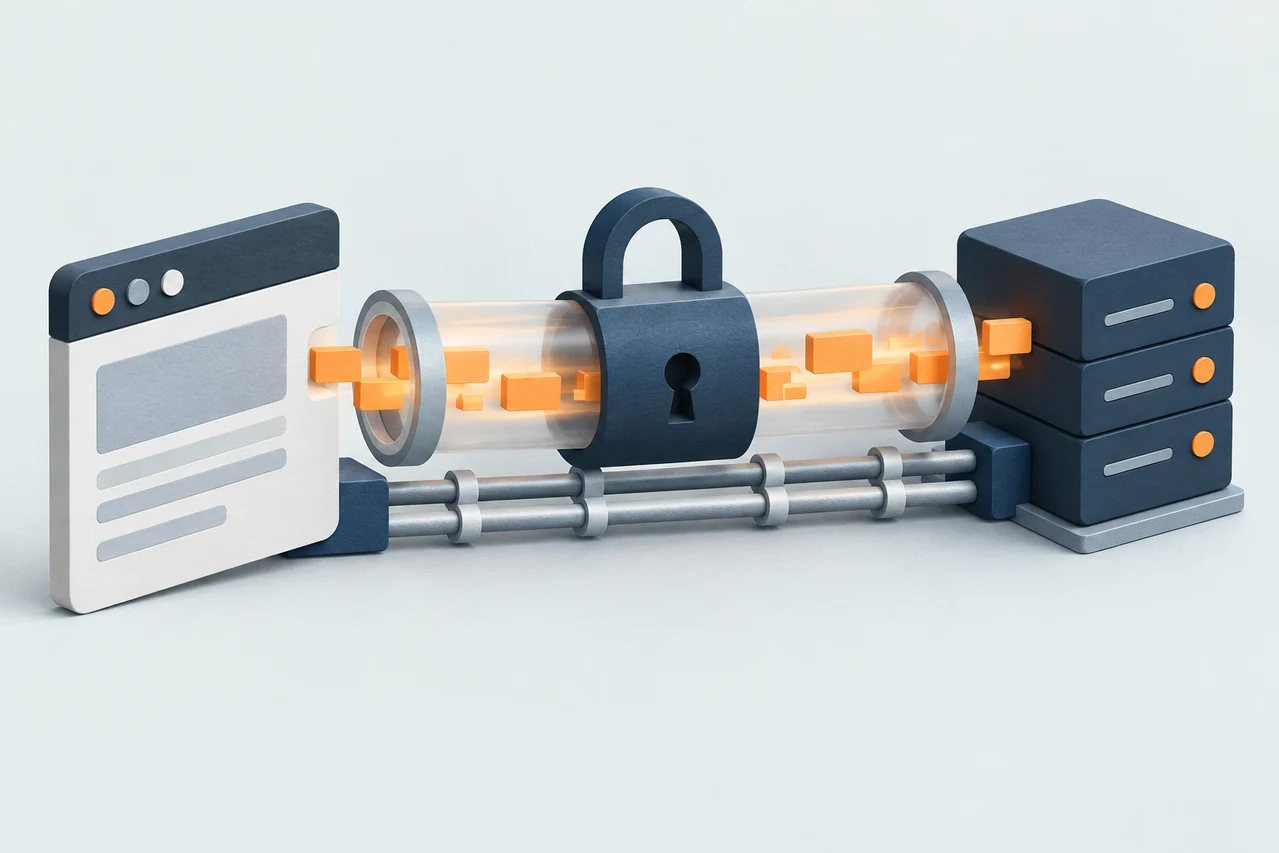
When you open a secure website, several protocols work together. Each has a specific job:
- TCP delivers the data.
- TLS protects the data.
- HTTP describes the request and the response.
For HTTPS connections using HTTP/1.1 or HTTP/2, all three work together. Let's look at them one at a time.
TCP: making sure data arrives in order
TCP stands for Transmission Control Protocol. It helps two applications exchange data reliably.
Data travels across a network in small pieces. Some pieces may arrive late, arrive in the wrong order, or get lost.
TCP keeps track of those pieces. It retransmits missing data and puts received data in the correct order before handing it to the application.
Imagine sending a document in several numbered envelopes. TCP helps the receiver reconstruct the pages in order, even if an envelope needs to be sent again.
Before exchanging data, TCP normally establishes a connection with three messages:
- The client asks to connect: SYN.
- The server acknowledges and responds: SYN-ACK.
- The client confirms: ACK.
This is called the three-way handshake. It prepares the connection, but it does not encrypt the data.
TLS: keeping the exchange private
TLS stands for Transport Layer Security. It adds protection to the connection.
It provides three things:
- Privacy: someone observing the network cannot simply read the encrypted content.
- Integrity: unauthorized changes to protected data can be detected.
- Authentication: the browser can check the server's identity.
The TLS handshake, in plain English
Before sending an HTTP request over a new TLS connection, the browser and server normally complete a handshake:
- They agree on supported security settings.
- The server presents a certificate and proves it holds the corresponding private key.
- The browser checks the certificate.
- Both sides establish shared secrets and derive keys to protect the data they exchange.
The certificate helps establish identity. The resulting traffic keys encrypt the actual messages. The server's public key does not encrypt every page or request.
What does the browser check?
The browser checks that the certificate covers the domain you requested. A certificate for shop.example does not automatically cover payments.example.
It also checks the certificate's validity period and verifies a chain of signatures leading to a trusted certificate authority.
A valid certificate authenticates the connection to the domain. It does not guarantee that everything on the website is honest or safe.
HTTP: asking for something and getting a response
HTTP stands for Hypertext Transfer Protocol. It defines how a client asks for a resource and how a server answers.
For example, a browser might send:
GET /account HTTP/1.1
Host: shop.example
This means: "Please send me the account page from shop.example."
The server replies with a status code, headers, and possibly a body containing the page. A 200 OK response indicates that the request succeeded; a 404 Not Found response indicates that the requested resource could not be found.
HTTPS is HTTP protected by TLS. The requests and responses still follow HTTP rules, while TLS protects their transmission.
How they work together
For a new HTTPS connection using HTTP/1.1 or HTTP/2:
- TCP establishes the connection.
- TLS authenticates the server and sets up encryption.
- HTTP carries the request and response through that protected connection.
HTTP   What are we asking for? What is the response?
TLS    How do we protect the exchange?
TCP    How do we deliver the bytes reliably and in order?
The connection can then be reused for more requests. A separate TCP and TLS handshake is not needed for every page resource.
What changes with HTTP/3?
HTTP/3 keeps HTTP's request-and-response model, but uses QUIC over UDP for transport instead of TCP. These are two separate layers, with different jobs.
UDP: sending individual messages
UDP stands for User Datagram Protocol. It sends data as individual messages called datagrams.
Unlike TCP, UDP does not establish a connection through a three-way handshake. It also does not guarantee that messages arrive, arrive only once, or arrive in the order they were sent.
If a message gets lost, UDP itself does not send it again. A protocol using UDP must handle that if reliable delivery is needed.
QUIC: adding reliability and security
QUIC, pronounced "quick", is a transport protocol built on top of UDP. It adds the features HTTP/3 needs:
- Reliable delivery: lost data is sent again.
- Ordered streams: data is delivered in order within each stream.
- Multiple streams: several requests can share a connection. Missing data in one stream does not have to block delivery on the others.
TLS is still involved: QUIC uses the TLS 1.3 handshake to authenticate the server and establish keys, then protects its own packets.
So UDP carries the messages, QUIC manages reliable and secure streams, and HTTP/3 uses those streams for requests and responses.
Why use QUIC over UDP instead of TCP?
For HTTPS, the useful comparison is QUIC versus TCP with TLS. Both can deliver data reliably and securely. QUIC changes how the connection is organized.
UDP lets QUIC manage delivery itself. Building on TCP would mean inheriting TCP's single ordered byte stream, including the need to wait for missing bytes before delivering later ones.
Less waiting between requests.
Imagine a page downloading an image and a script over the same HTTP/2 connection. A lost TCP segment can hold up delivery for both requests until the missing data arrives.
With QUIC, separate streams can make progress independently. If only the image's data is missing, the script's stream can keep delivering data. Network congestion can still slow the whole connection.
Faster connection setup.
QUIC combines transport setup with the TLS handshake, avoiding a separate TCP handshake first. This can reduce the time before useful data starts flowing, especially when the server is far away.
Continuity when changing networks.
When supported, QUIC can keep a connection alive as a phone switches from Wi-Fi to mobile data, even if its IP address changes. A normal TCP connection is tied to its original addresses and ports.
When TCP is still a good choice
QUIC is not always faster. Results depend on the network and implementation. Some networks block UDP, so browsers may fall back to HTTP/2 or HTTP/1.1 over TCP and TLS.
TCP remains a widely supported choice. QUIC is useful when its stream handling, connection setup, or network migration benefits the application.
An https:// address therefore tells you the web exchange is secured. It does not tell you whether the connection uses TCP or QUIC.